Von Amsterdam über Belgien nach Bonn
Juni/Juli 2023
- Insgesamt 720 km Tour (ohne Tagesausflüge und Fährfahrten)
operating instructions
Various functions are available as part of the map.
mouse/touch operation
- moving by grabbing the map with a mouse-click you can move the map around
- overview map using the < button in the bottom right of the map you can expand an overview map
- zooming in and out using the + and - buttons in the top left of the map you can obtain more or less detail in the map
- switching themes or maps clicking on the ≡ icon on the right-hand side of the map you can view and select available maps and themes
- retrieving information the map may contain elements that contain more information, by clicking these a popup will show this information
- fullscreen display using the ⛶ button the map can be maximized to fullscreen display, use the ▢ button to return to page display.
keyboard operation
Keyboard operation becomes available after activating the map using the tab key (the map will show a focus indicator ring).
- moving using the arrow keys you can move the map
- overview map using the + button in the bottom right of the map you can expand an overview map
- zooming in and out using the + and - buttons in the top left of the map or by using the + and - keys you can obtain more or less detail in the map
- switching themes or maps clicking on the ≡ icon on the right-hand side of the map you can view and select available maps and themes
- retrieving information the map may contain elements that contain more information, using the i key you can activate a cursor that may be moved using the arrow keys, pressing the enter will execute an information retrieval. press the i or the escape key to return to navigation mode
- fullscreen display using the ⛶ button the map can be maximized to fullscreen display, use the ▢ button to return to page display.
It's possible that some of the functions or buttons describe above have been disabled by the page author or the administrator

| id | symbol | latitude | longitude | description |
|---|---|---|---|---|
 |
 |
GPX track: benelux2023 | ||
| Tag | Datum | Start | Ziel | km | |||
|---|---|---|---|---|---|---|---|
| 1 | Mo | 26.06.23 | Anreise | 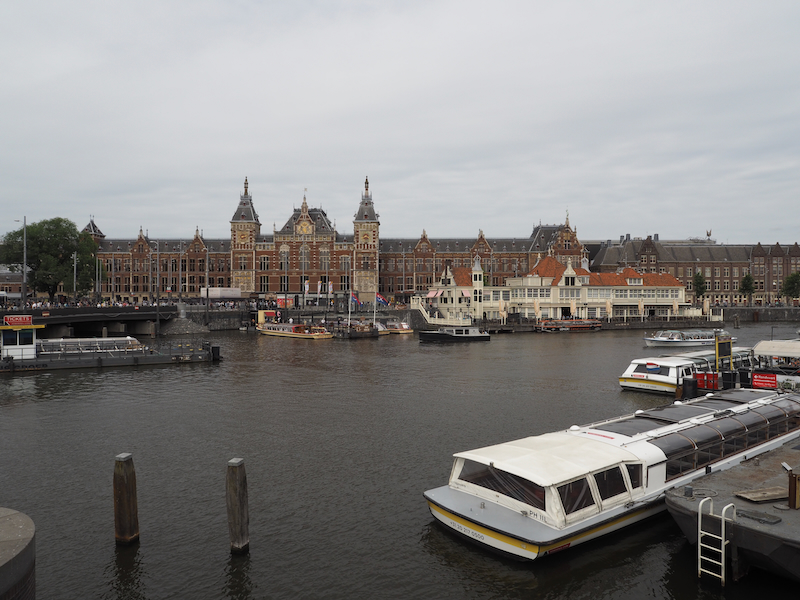 |
|||
| 2 | Di | 27.06.23 | Tag in Amsterdam | 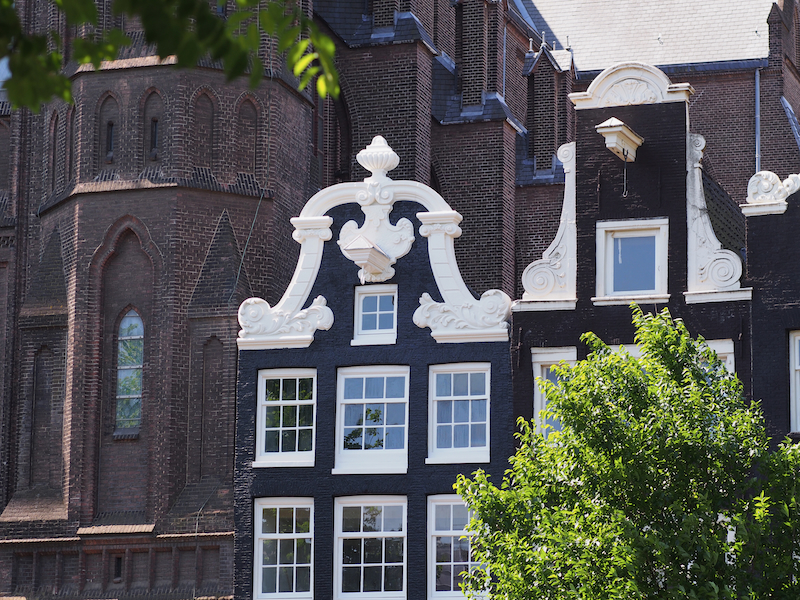 |
|||
| 3 | Mi | 28.06.23 | Amsterdam | Noordwijk | 46 | 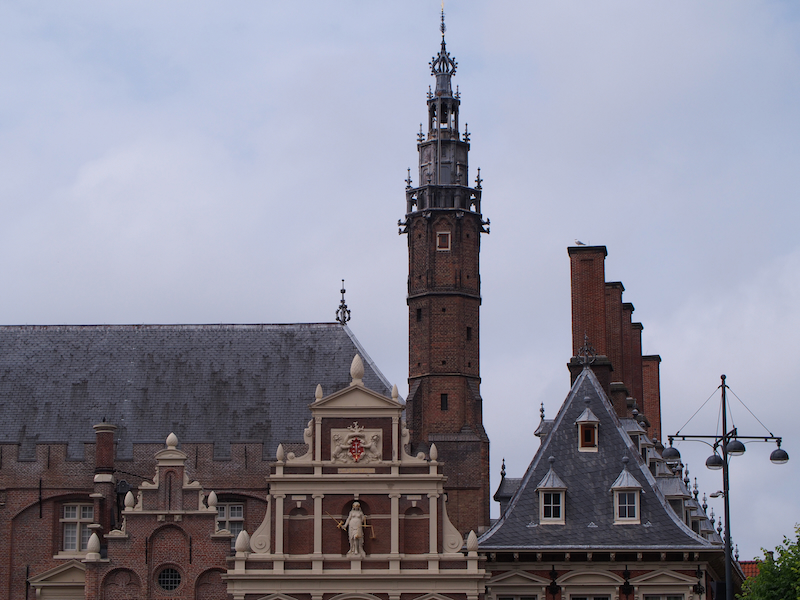 |
|
| 4 | Do | 29.06.23 | Noordwijk | Hoek van Holland | 59,3 | 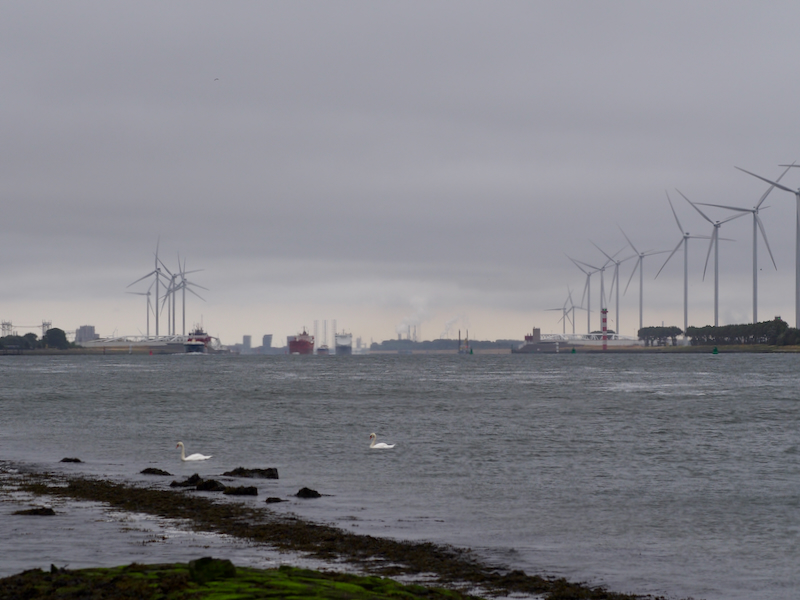 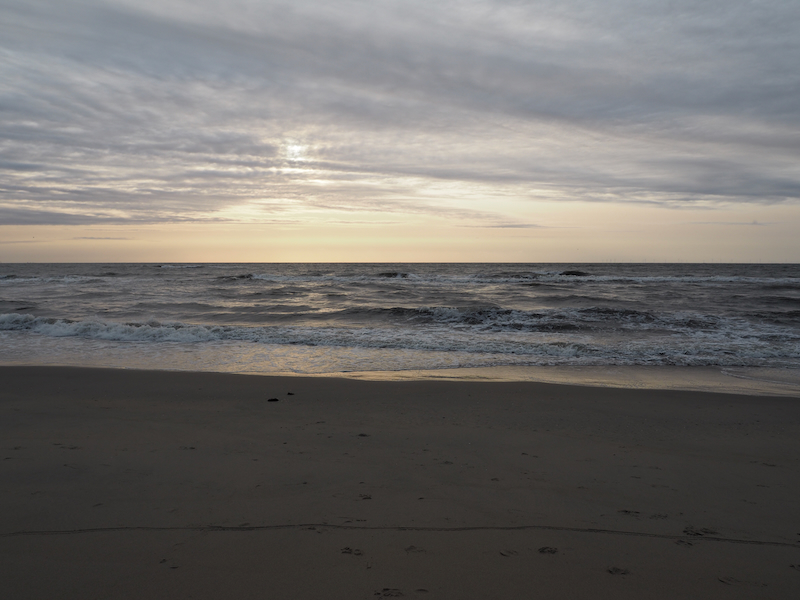 |
|
| 5 | Fr | 30.06.23 | Hoek van Holland | Brielle | 32,4 | 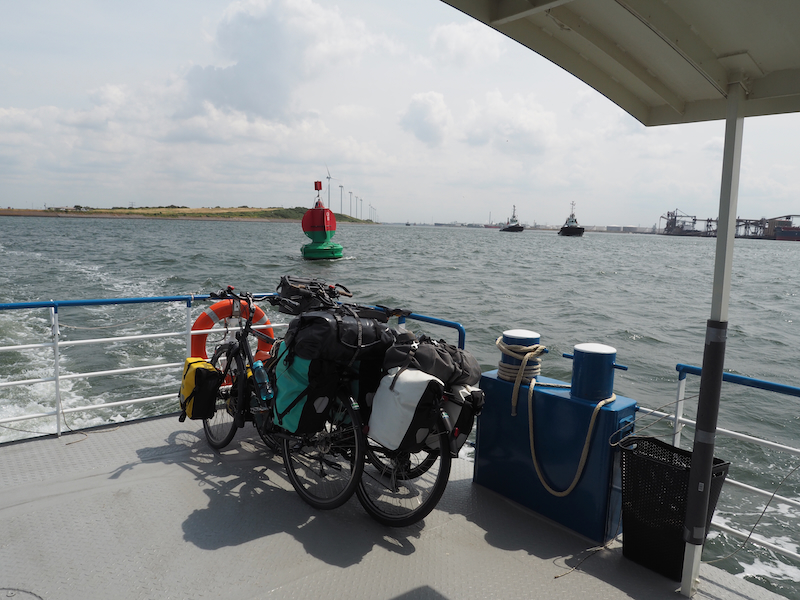 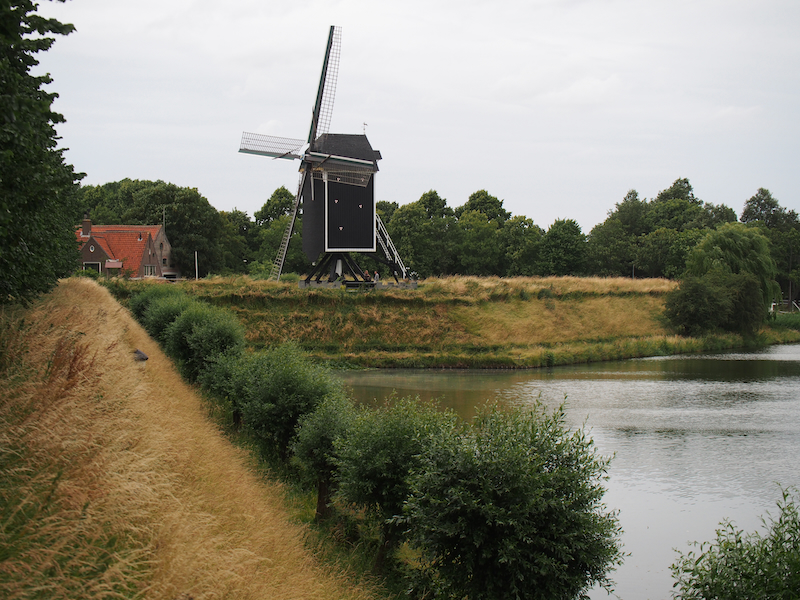 |
|
| 6 | Sa | 01.07.23 | Tag Maasvlakte | 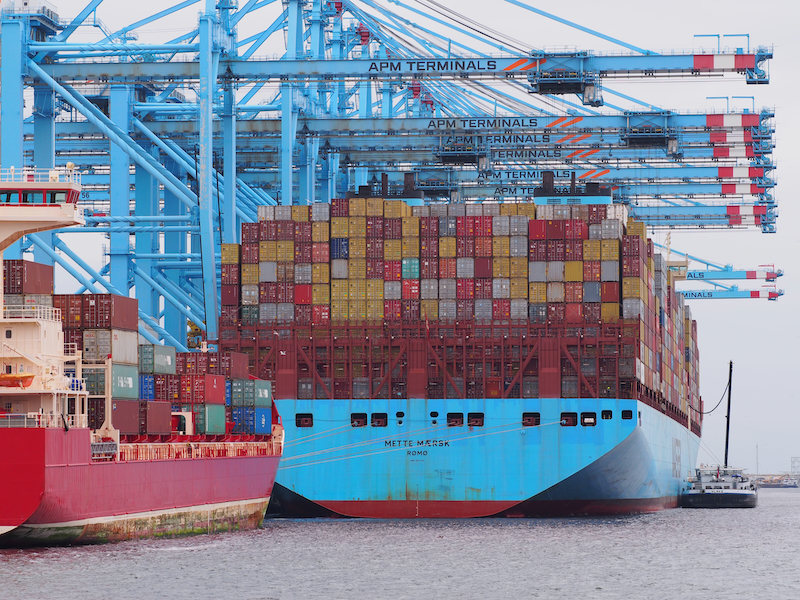 |
|||
| 7 | So | 02.07.23 | Brielle | Renesse | 54,4 |  |
|
| 8 | Mo | 03.07.23 | Renesse | Vlissingen | 64,2 | 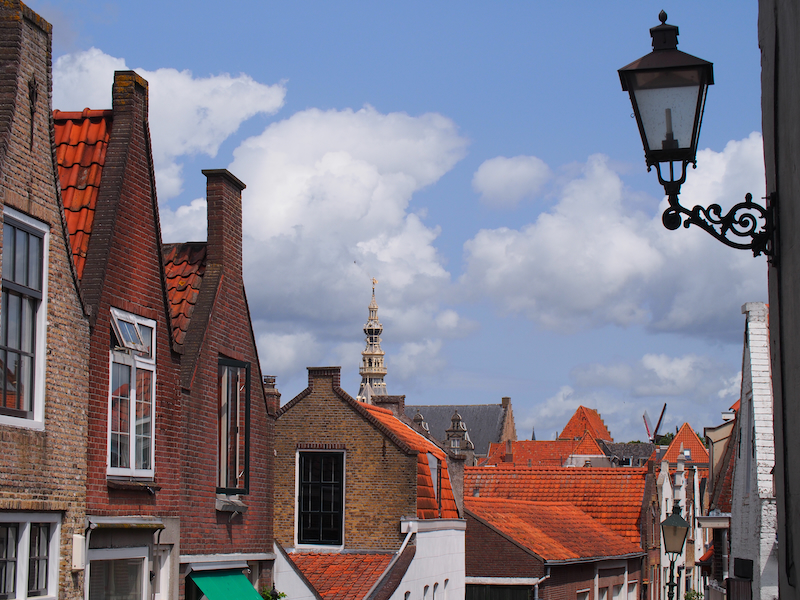 |
|
| 9 | Di | 04.07.23 | Tag in Middelburg | 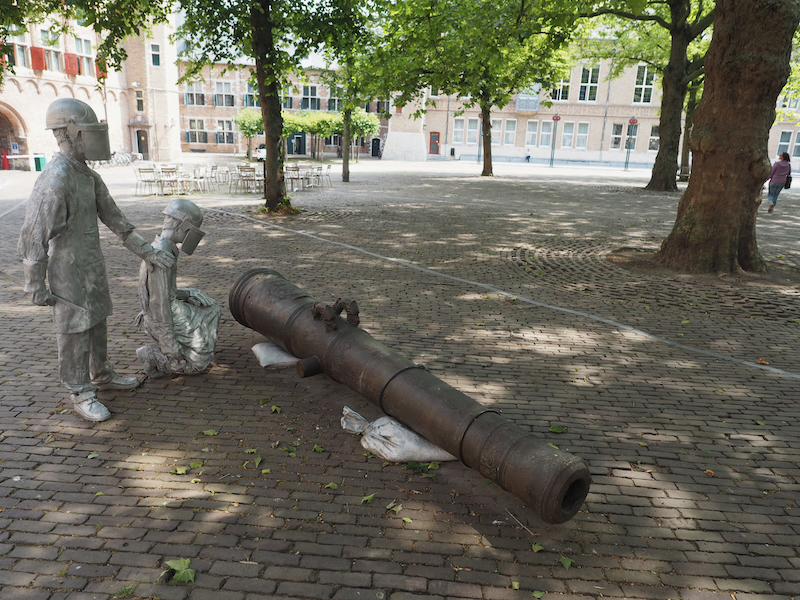 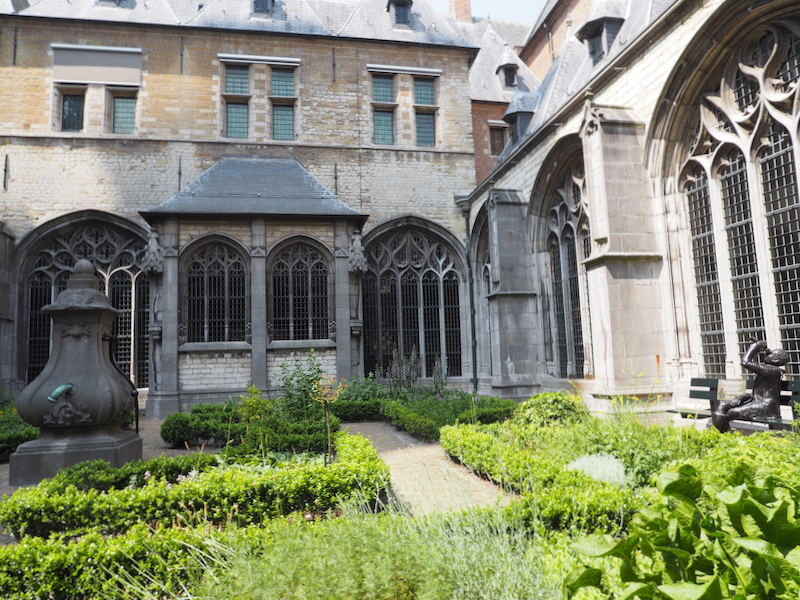 |
|||
| 10 | Mi | 05.07.23 | Vlissingen | Brügge | 40,7 | 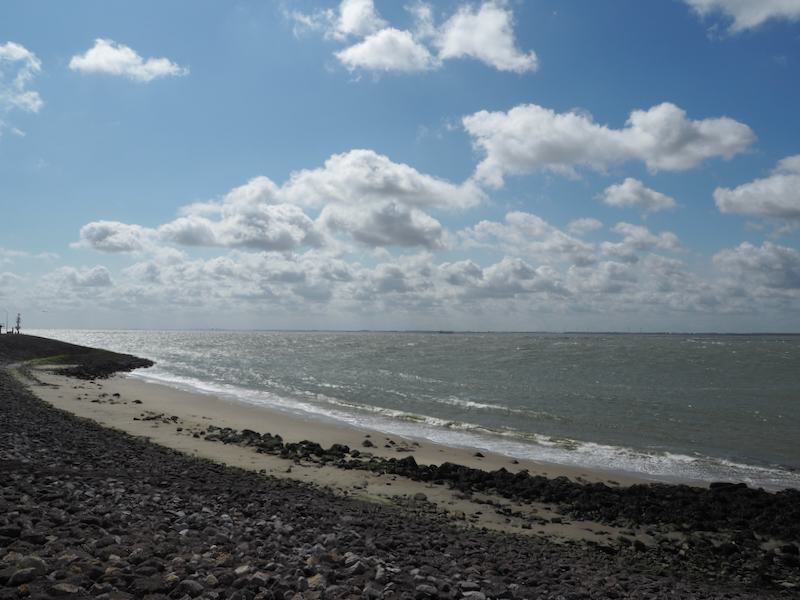 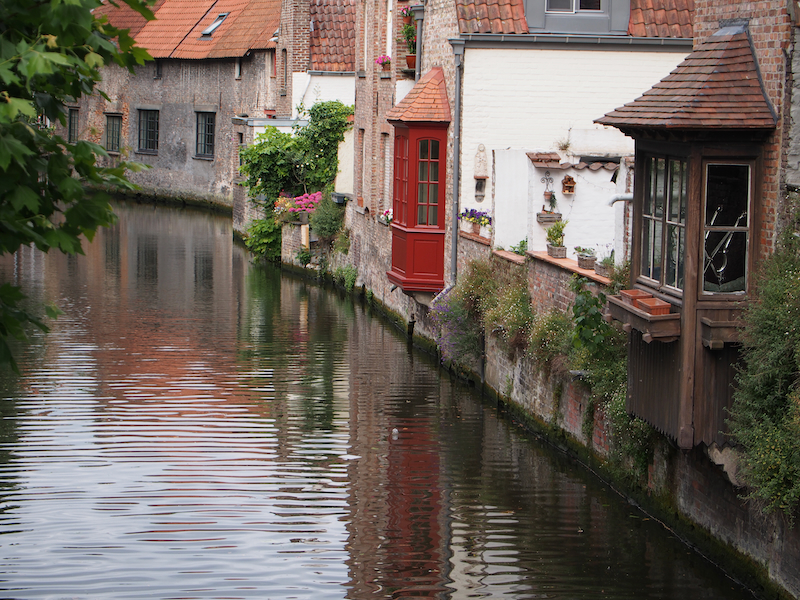 |
|
| 11 | Do | 06.07.23 | Brügge | Gent | 48,2 | 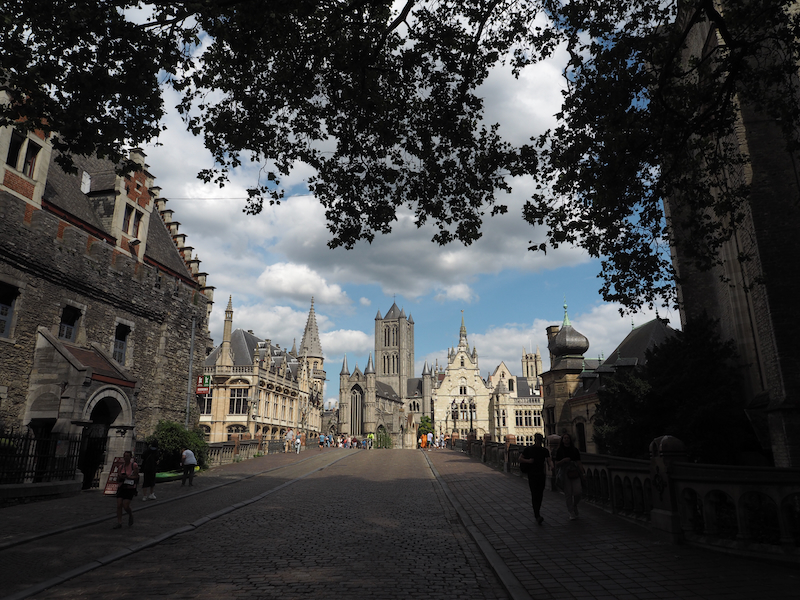 |
|
| 12 | Fr | 07.07.23 | Gent | Mechelen | 75,1 | 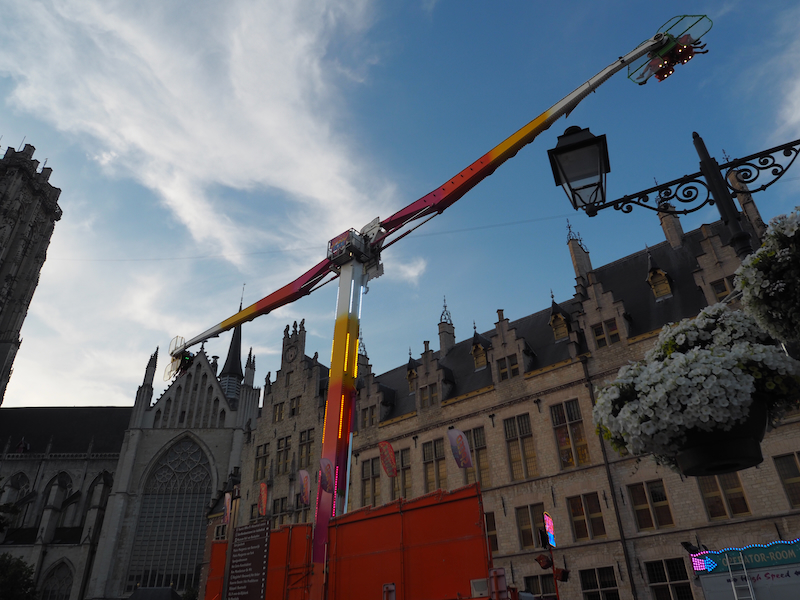 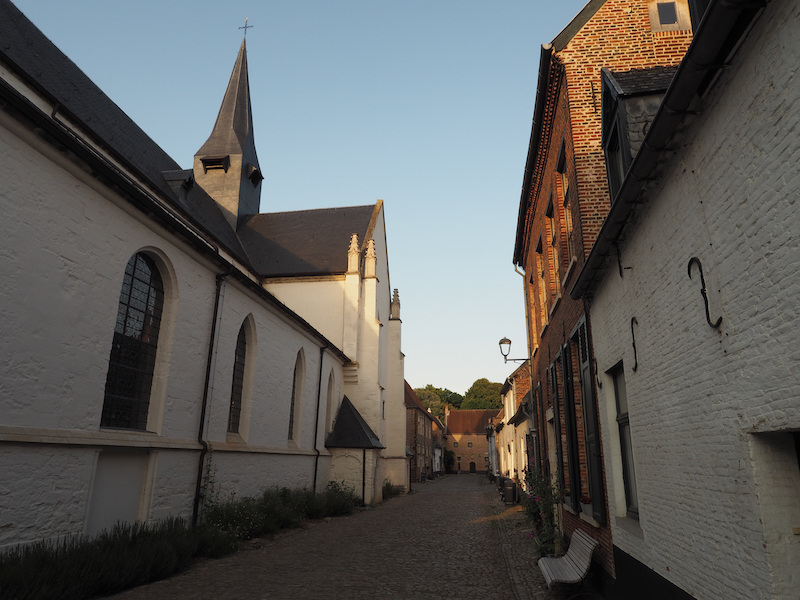 |
|
| 13 | Sa | 08.07.23 | Mechelen | Diest | 53,8 | 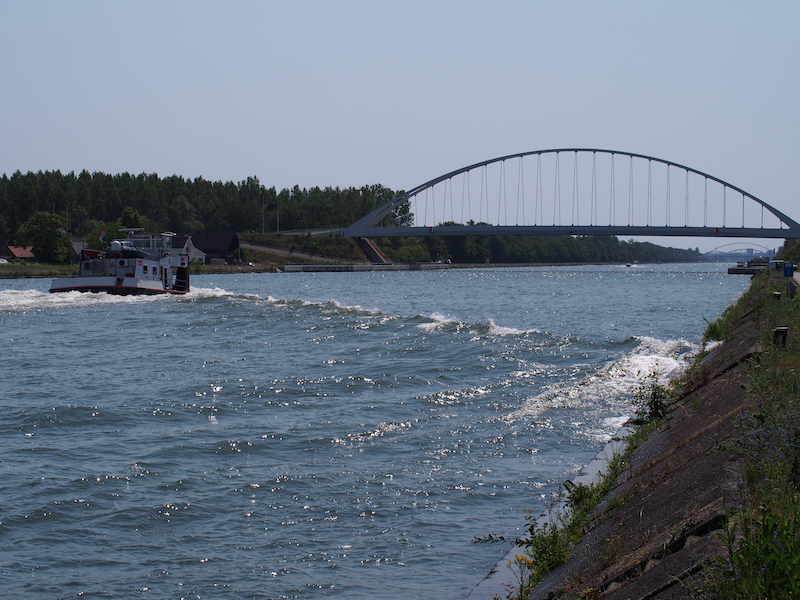  |
|
| 14 | So | 09.07.23 | Diest | Rekem | 77 |  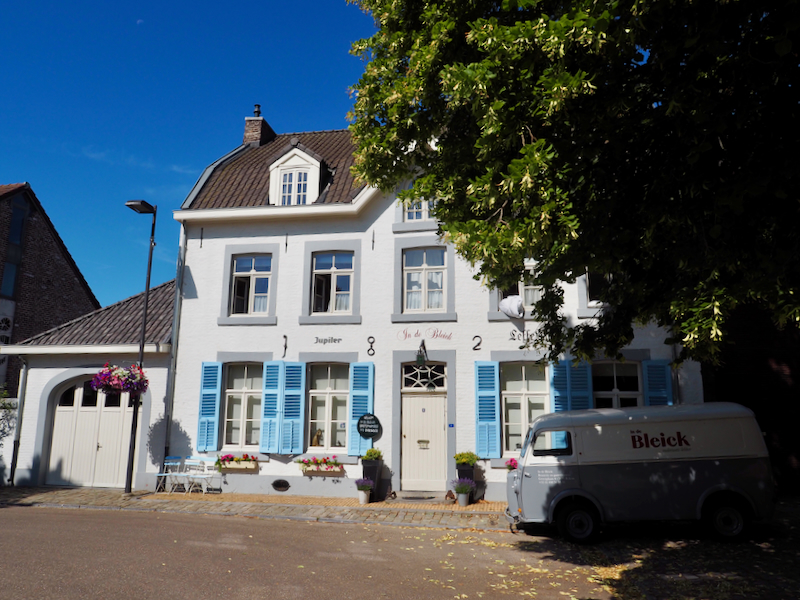 |
|
| 15 | Mo | 10.07.23 | Rekem | Stolberg | 79,6 | 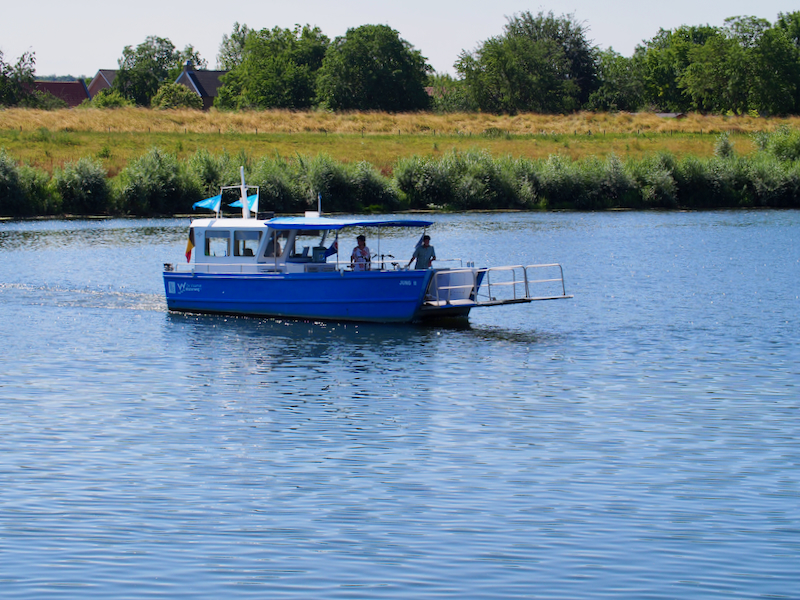 |
|
| 16 | Di | 11.07.23 | Stolberg | Bonn | 89,3 | 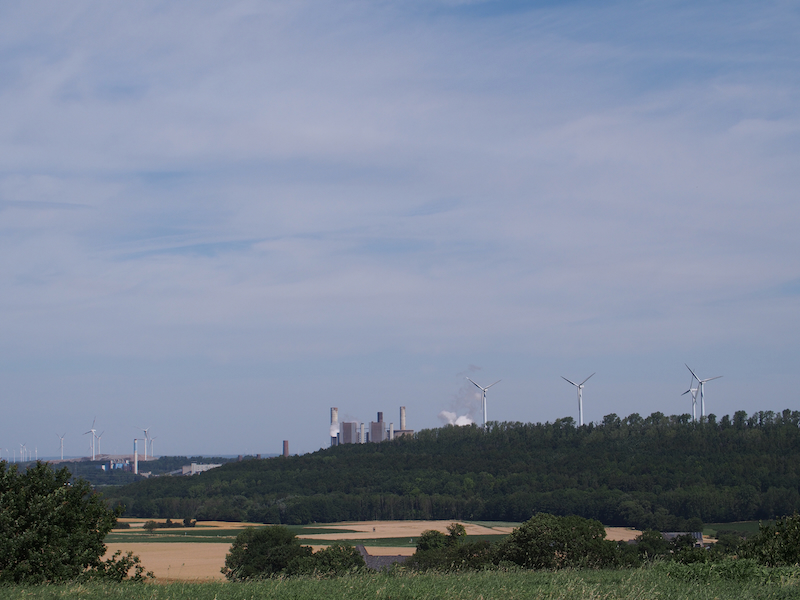 |
|